
Documentation
Manual Manual (real screenshots)
Each command covers Scenario / Usage / Effect with faithful terminal colors, with a dedicated English page.
Markdown Command reference
Plain-text English reference, easy to read in the repository or an editor.
Sample scan report (HTML)
skill-doctor scan --report — a real skill inventory report.
Sample dashboard report (HTML)
skill-doctor dashboard --report — a real single-file overview report.
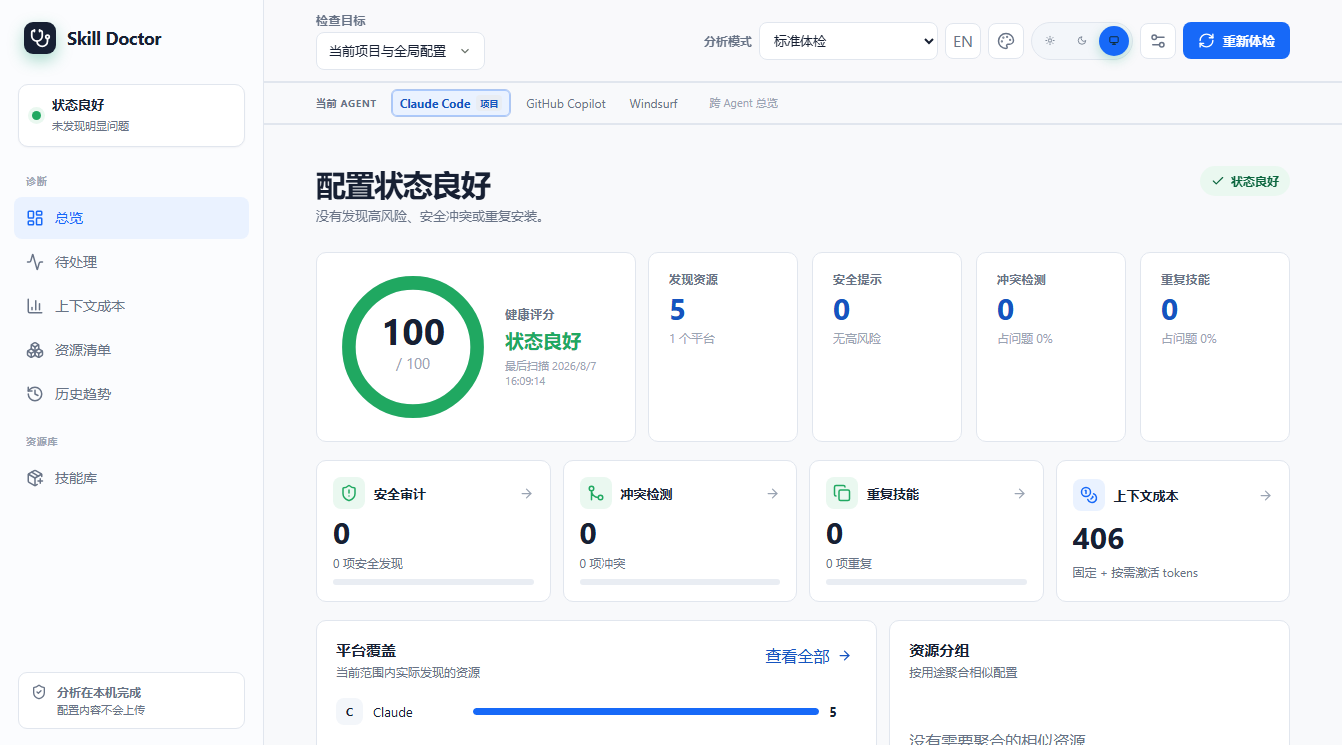
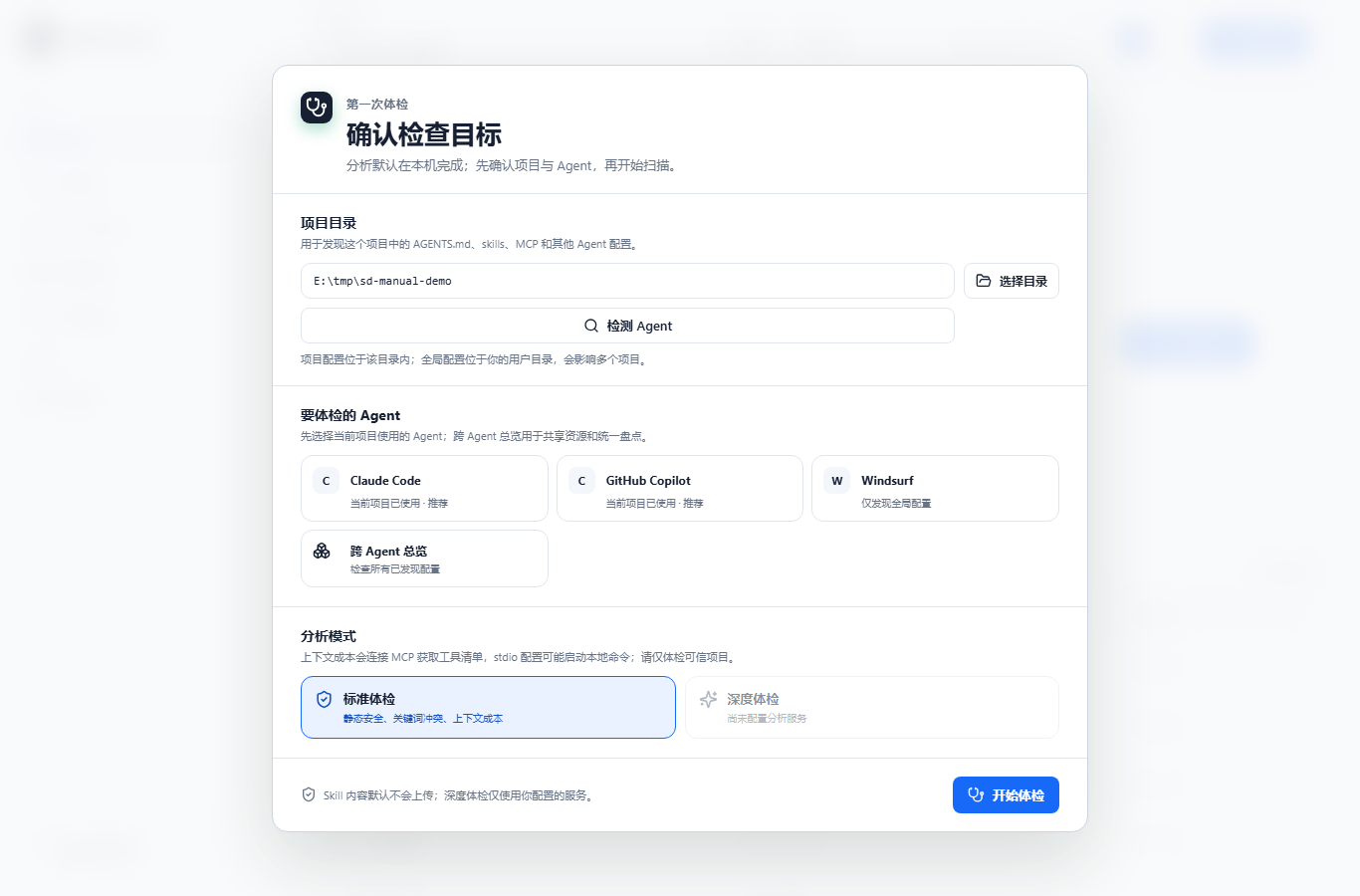
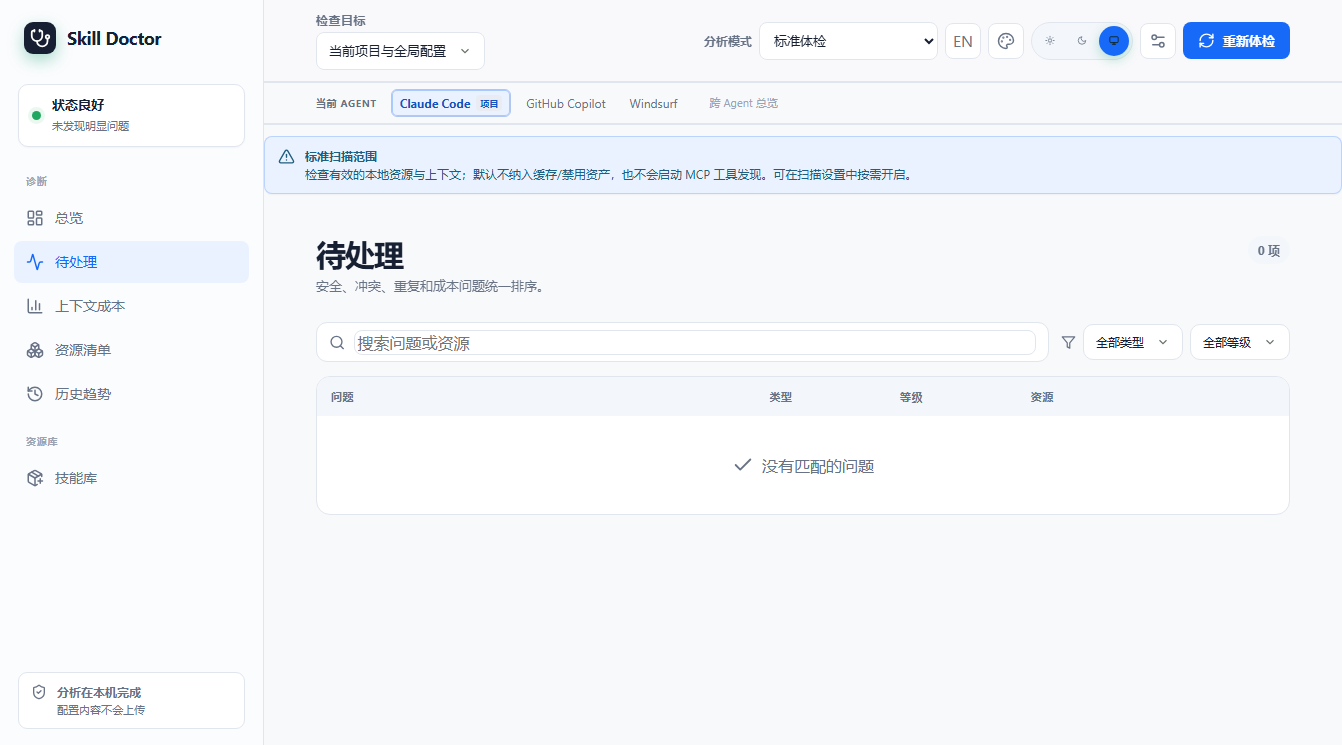
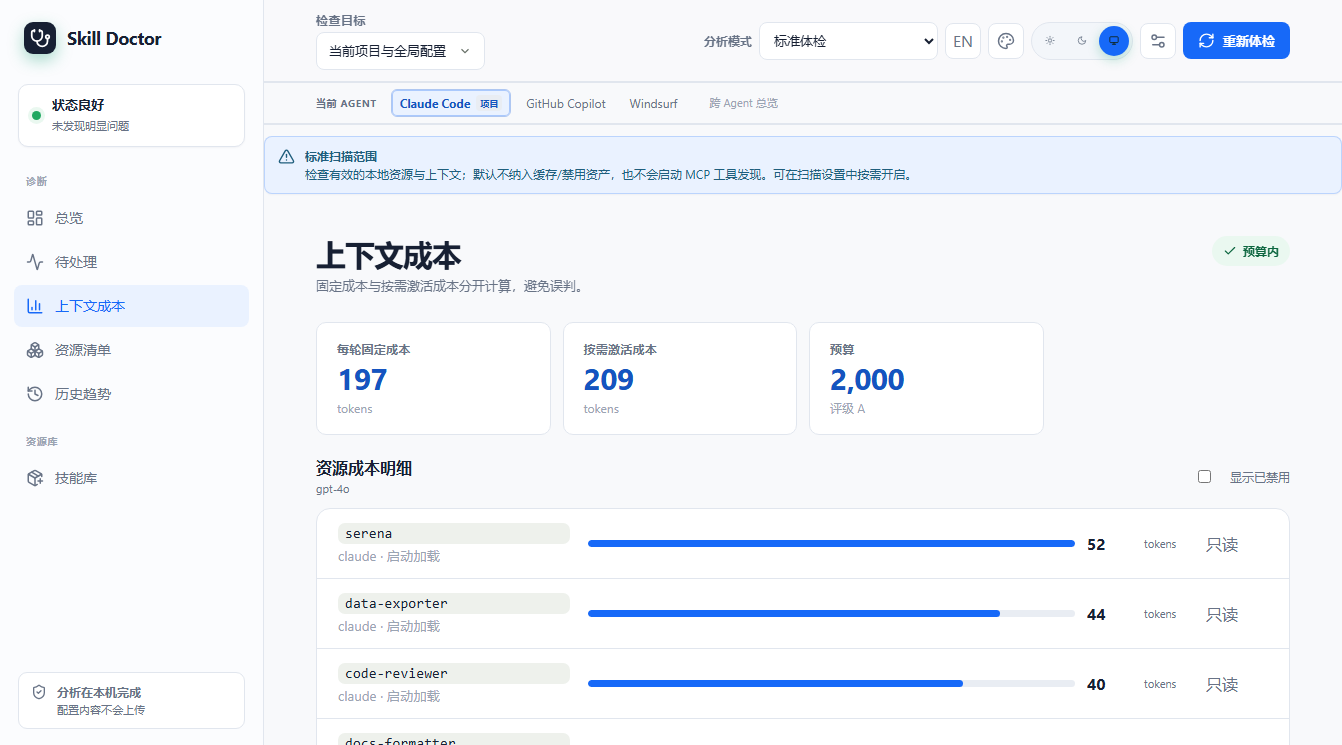
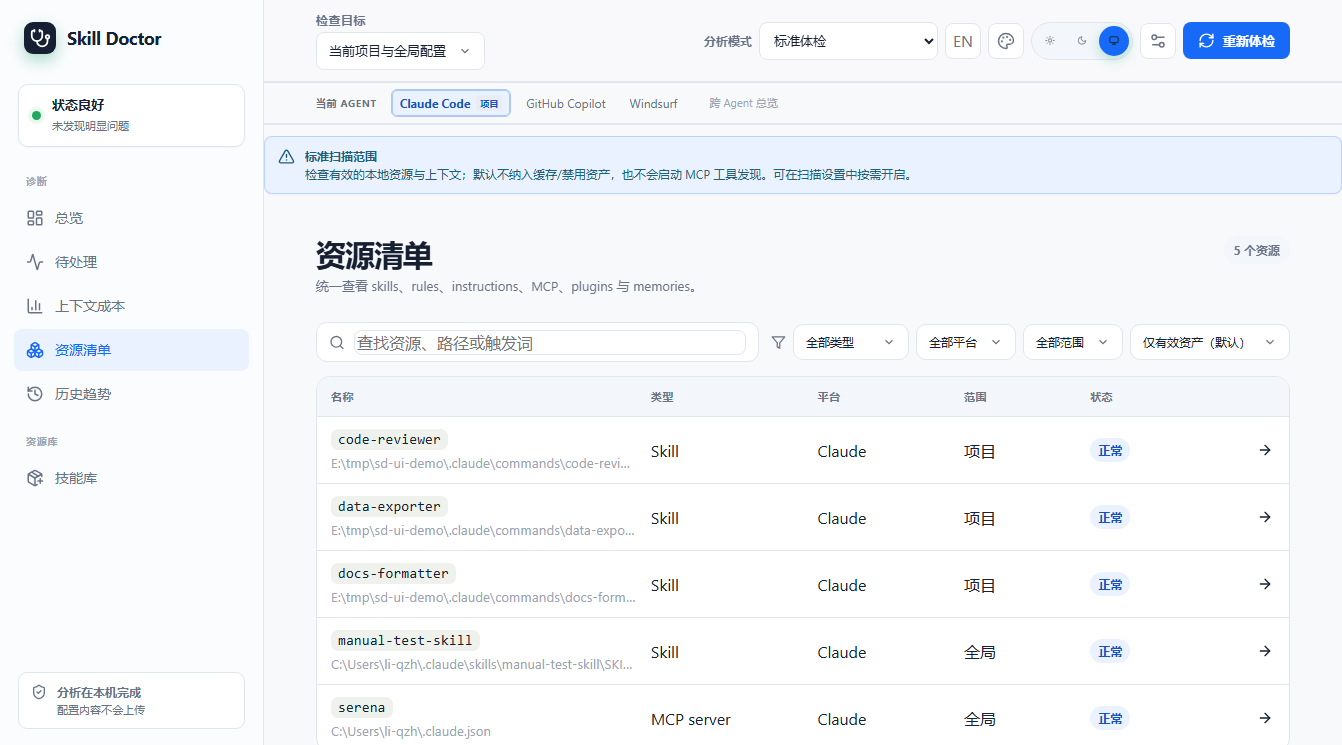
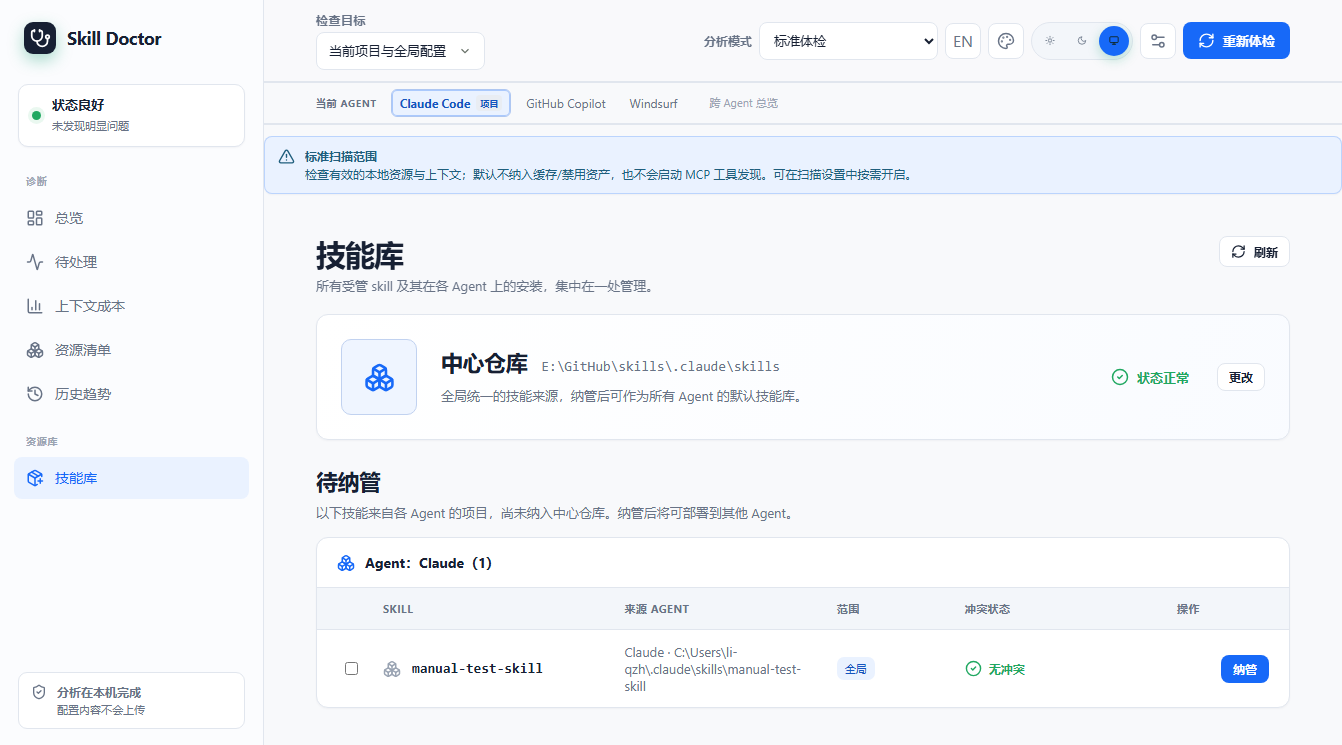
skill-doctor UI screenshots
These screenshots were captured from skill-doctor ui running against a current example project containing only project-level .codex/skills. The first launch shows the onboarding dialog with Codex selected.
How to browse online:
This directory is set as the GitHub Pages source. In the repo
Settings → Pages, set Source to Deploy from a branch, branch main, folder /docs, and save. Then visit https://<user>.github.io/<repo>/ (English manual at /en/pages/manual.html). If Pages is off, preview via https://htmlpreview.github.io/?https://github.com/<user>/<repo>/blob/main/docs/en/pages/manual.html.